 TrackProof
WORKFLOW
From footage to informed review.
TrackProof adds a local diagnostic checkpoint before additional matchmove time is committed. It does not replace the tracking application, create a camera solve, or approve shots.
01
Create.
Create or reopen a TrackProof project.
 TrackProofv0.2.0
Workspace
Application
Projects
4K Videos
E:\TrackProofDevWrk\TrackProofProjects
Recent projects
workstation
4K Videos
OPEN
bridge_sequence
OPEN
rooftop_reshoot
ARCHIVED
Project state
local disk
Plates
1
Analyses
0
Reports
0
02
Import.
Select the footage intended for review.
TrackProofv0.2.0Workspace
Application
Projects
4K Videos
Plates
Import Image Sequence
Import Video
Loaded plates
1 item
16102281_3840_2160_60fps.mp4
58.0 MB
3840×2160 · 59.940 fps · 13.93 s · h264
Source
disk only
Local volume
ALLOWED
Studio network share
ALLOWED
Source footage modified
NEVER
03
Review.
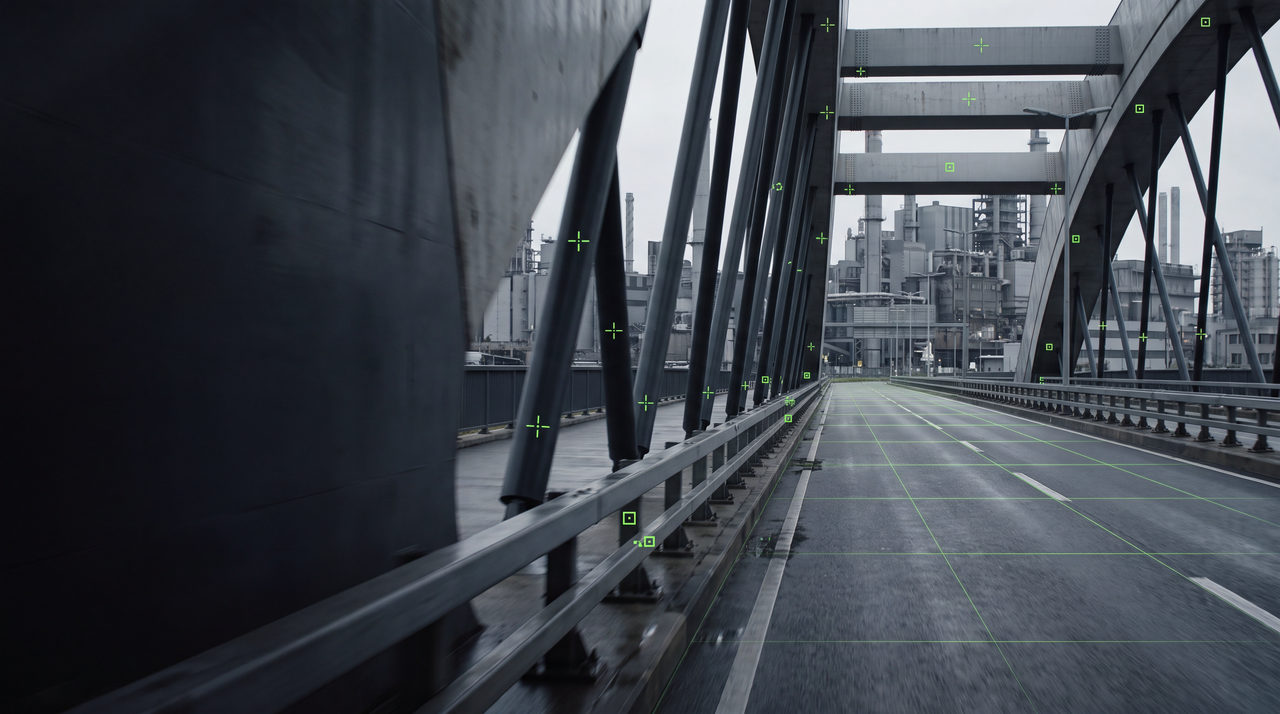
Analyze the plate and inspect the supporting visual evidence.
TrackProofv0.2.0Workspace
Application
Plate
Image quality
Looks solid
Trackability
Camera trackability
Mixed
Evaluated
566
Static-consistent
199
At Risk
269
Dynamic
98
Confidence
0.62
Evidence
frame 0 / 834
Median lifespan
161 frames
Coverage (static)
57%
Dropouts
376
04
Continue.
Use the findings to guide work in the team's established tracking and solving tools.
TrackProofv0.2.0Workspace
Application
Track Refinery
199 Static-consistent · 269 At Risk · 98 Dynamic
Track refinery
566 tracks
tp_0000 · 1–835
STATIC-CONSISTENT
tp_0001 · 1–398
AT RISK
tp_0002 · 1–835
STATIC-CONSISTENT
tp_0003 · 1–835
STATIC-CONSISTENT
Handoff
Originals are preserved unchanged. Exports select the best tracks for the team's existing solving tools.
BOUNDARIES
Clear boundaries.
Not a camera solver
TrackProof does not create or validate a complete camera solve.
Does not replace production tools
Tracking, lens work, scene setup, and final delivery remain in the applications already used by the team.
Does not modify source footage
The original production media remains unchanged.
Does not auto-approve shots
Final decisions remain with the artist or supervisor.
Help shape the production workflow.
Early product decisions are being informed by invited artists, supervisors, and studios.